

August 20, 2026
Part 1: What Is the Cloud? For Business Leaders Who Don’t Have Time for Tech Jargon
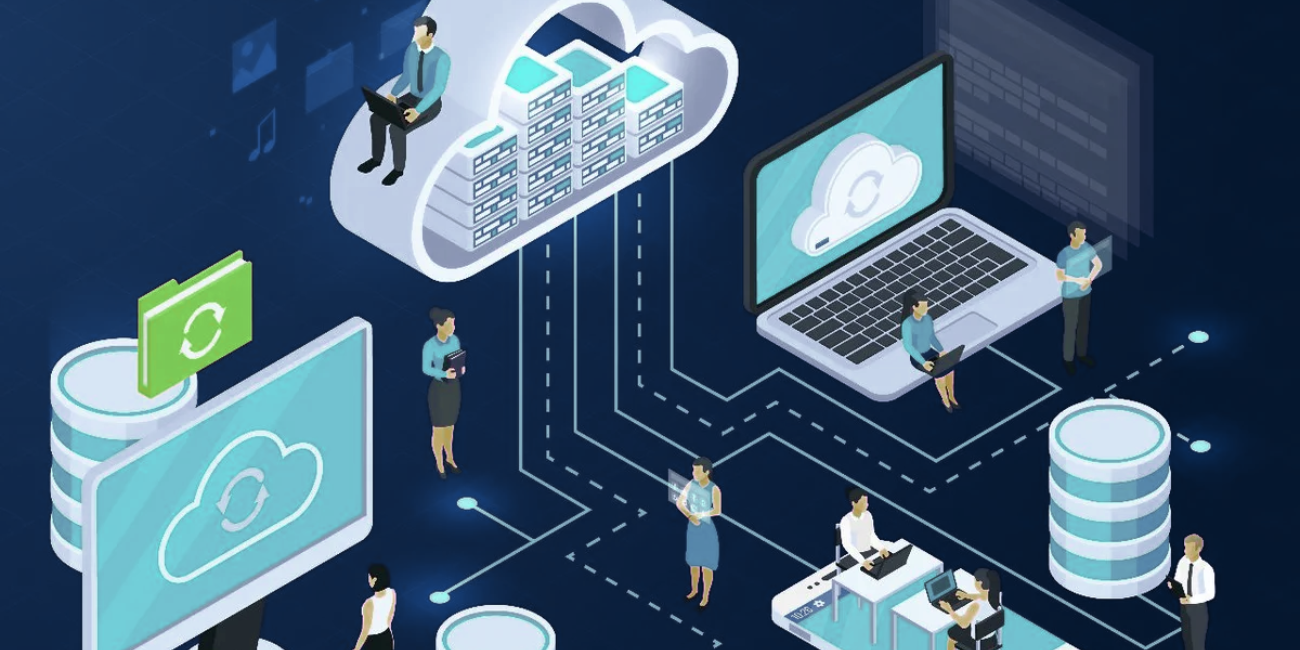
The cloud isn’t a single product or destination. It’s simply a different way of delivering and accessing technology. It’s important to remember that whether it’s the right fit for your business depends far more on your needs than on the latest trend. The cloud has become one of those business buzzwords that everyone recognizes but can’t really explain themselves. That’s made it difficult for business leaders to separate good advice from marketing hype. So, before we dive into strategy, migration plans, or whether your organization should move anything at all, let’s answer the key questions: What is the cloud? How does the cloud work?
To answer those, it helps to understand how we got here.
What Is the Cloud, and How Did Businesses Manage Technology Before It?
Before the cloud, businesses owned and managed almost everything themselves. Servers lived in a server room. Applications ran on company-owned hardware. Phone systems sat in a closet down the hall. If something broke, it was your responsibility to fix it. That was just how IT worked. Setting up a data center was expensive. You had to invest in cooling systems, power supplies, and physical security, with costs typically ranging from $200-$1,000 per square foot, and that doesn’t include the in-house IT staff.
Organizations purchased the hardware, installed the software, maintained it over the years, and eventually replaced it when it reached the end of its useful life. Everything lived inside the four walls of the business. It also meant you controlled nearly every aspect of your technology environment, which sounds great until you remember you had to maintain it all yourself.
What Is a Local Area Network (LAN)?
A Local Area Network (LAN) is simply the network inside your building. It connects your computers, servers, printers, phones, and other devices so they can communicate with one another. If everyone worked in one office, life was fairly straightforward (and sometimes still is!). The challenges start when organizations opened a second office or people need to work from somewhere else, like on the road or a home office.
How Did Multiple Offices Stay Connected?
Before the Internet was fast and reliable enough to support today’s business applications, companies relied on private connections between offices. These weren’t Internet connections as we know them today. Organizations leased dedicated circuits (technologies like Frame Relay or MPLS) from their telecommunications providers. Those private connections created what became known as a Wide Area Network (WAN), allowing multiple offices to operate as if they were connected to the same local network. The important distinction is that these networks were private. They belonged to the organization, required specialized equipment to manage, and often demanded expertise that most businesses had to build or outsource.
Remote work existed, but it certainly wasn’t as simple as opening a laptop at the kitchen table, like we do today. Connecting from home often meant dialing directly into the company’s network over a phone line (a process that wasn’t exactly known for its speed). Let’s just say downloading a large file required a little patience… and probably a coffee break.
So, What Changed?
Understanding what the cloud is starts with understanding what came before it. The Internet changed everything, but not all at once, and it still had one major hurdle to overcome before cloud computing could become a reality.
At first, businesses primarily used the internet for email. That may not sound revolutionary today, but it fundamentally changed how organizations communicated. Suddenly, employees could collaborate with customers, suppliers, and offices around the world without relying on dedicated private circuits or expensive long distance phone calls. It was a huge step forward, but there was one major limitation: Bandwidth.
Why Didn’t Businesses Move Everything to the Internet Right Away?
The Internet simply wasn’t fast enough for businesses to adopt. In fact, early dial-up internet topped out at about 56 kbps, while many business applications needed far more bandwidth than that to work reliably. Early internet connections handled small amounts of data reasonably well. Email worked. Basic file transfers worked. Electronic data interchange (EDI) generally worked.
However, business applications were another story. Large databases, accounting systems, file servers, and other business-critical applications generated far more data than those early internet connections could realistically support. Even if organizations wanted to move everything online, the infrastructure simply wasn’t ready. So, businesses found themselves living in two worlds. Critical systems stayed on private infrastructure, while communication increasingly moved across the public internet. That hybrid approach laid the foundation for what would eventually become what we know today as modern cloud computing.
What Is a Bare Metal Server?
A bare metal server is simply a physical computer dedicated to performing a specific job. Think of it as a much more powerful desktop computer that provides applications, files, or services to everyone else in the business.
Most Microsoft environments were designed around the idea of “one server, one purpose.” One server might run SYSPRO, another might host SQL Server, another could store company files, and another might handle Active Directory. Each required its own hardware, operating system, software updates, backups, electricity, cooling, rack space, and ongoing maintenance. That worked well for many years, but it also created a growing problem.
Why Did Physical Servers Become Inefficient?
Most servers spent much of their time waiting around. A server might experience short bursts of heavy activity during the workday, but much of its processing power, memory, and storage sat idle. Unfortunately, the supporting costs didn’t take breaks. Whether a server was working hard or barely working at all, it still consumed electricity. It still needed cooling. It still occupied valuable rack space. It still required monitoring, patching, backups, and eventual replacement, along with the IT staff to do all of that.
Businesses weren’t just paying for computing power. One survey showed that businesses were paying an average cost of $2,333 per server every year for maintenance, power, cooling, facilities, and support costs. That naturally led to a question: Could all of these resources be shared instead of sitting idle? As it turns out… yes.
What Is Virtualization?
If you’ve ever wondered ‘how does the cloud actually work?’, virtualization is important to understand. Virtualization allows one physical server to operate as many virtual servers as possible, sharing computing resources far more efficiently. Instead of purchasing a new piece of hardware every time a business needed another server, organizations could run multiple independent servers on the same physical machine.
Think about your own laptop. You’re probably running Outlook, Excel, Teams, your web browser, and maybe some music or podcast (whether you’re actually listening to it is another question) in the background all at the same time. Those programs aren’t each getting their own processor or hard drive.
Instead, Windows intelligently shares your computer’s CPU, memory, and storage among everything that’s running. Virtualization applies that same idea to servers. Rather than one physical computer running one workload, a single physical server can host multiple virtual servers, quietly allocating computing resources wherever they’re needed. That’s one of the main ideas behind modern IT infrastructure.
Why Was Virtualization Such a Big Deal?
It solved a problem that businesses had been living with for years. Instead of buying another physical server every time a new application came along, organizations could run multiple virtual servers on one powerful machine. In many cases, businesses were able to reduce their physical server count by 60% to 90%, which meant less hardware to buy, less power and cooling to pay for, and a lot less equipment taking up space in the server room. The savings were significant, but that wasn’t the whole story.
Instead of one application depending entirely on one physical server, computing resources could be shared and shifted where they were needed most. If demand increased, resources could be allocated. If the hardware failed, recovery became much easier. For obvious reasons, this made organizations much more resilient.
What Does Virtualization Have to Do with the Cloud?
Quite a lot, actually. If you’re asking yourself how does the cloud work, virtualization is really the missing piece of the puzzle. First, computing resources became shared instead of dedicated. Second, those shared resources became abstracted, meaning users no longer needed to know exactly which physical server was doing the work behind the scenes.
This didn’t just transform data centers. It fundamentally changed how organizations use technology today. Once businesses proved this worked inside their own data centers, the next logical step was asking: “What if those shared resources didn’t have to stay inside one building?” That’s where the story gets reallllly interesting.
hy Does This History Still Matter?
Understanding what the cloud is, where it came from, and how does it works helps you make better decisions about where it’s going. The cloud isn’t replacing good IT planning. It’s another option in your toolbox. Some workloads belong in the cloud. Others may perform better on-premises. Many organizations find the right answer is somewhere in the middle. The important thing is making those decisions based on business requirements, not because “everyone else is doing it.” That’s especially important because tech decisions can have long-term financial consequences, with more than 32% of organizations wasting or underutilizing their IT budget.
In Part 2 of this blog series, we’ll look at what changed when Internet infrastructure finally caught up with business needs, and how that shift made modern cloud computing possible. We’ll also explore why moving to the cloud isn’t always an all-or-nothing decision, or even simply a technology decision, and how to evaluate what makes sense for your organization.
If you have questions about any of this content, are evaluating cloud services, or simply trying to understand what makes sense for your business, our managed services team is here to help. Just reach out to us.

Is Your Business Falling Behind on AI, or Moving Too Fast?
AI in the workplace can sometimes manifest as a solution looking for a problem, which might tempt us to fast-forward through security and safety controls because the results look so promising. Before implementing any AI solution, organizations should establish a few foundational guardrails: clear acceptable use policies, human oversight of important decisions, and confidence that [...]
Read More
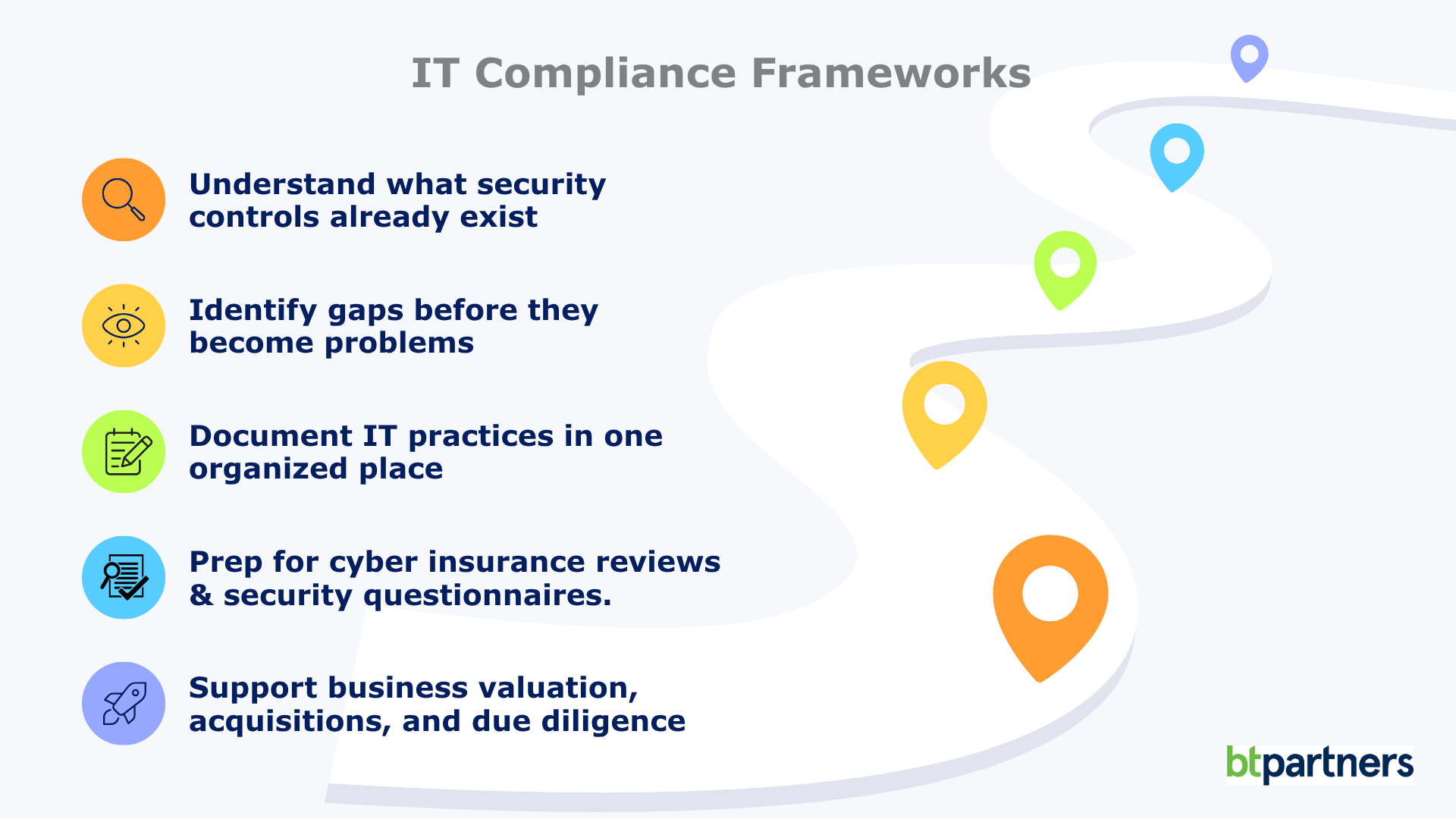
IT Compliance Frameworks Explained: What They Are and Whether Your Business Needs One
Firewalls, multi-factor authentication, passkeys, cyber insurance questionnaires, third-party security assessments. The rules around IT compliance change every year. Unlike plumbing or electrical systems, technology never really stands still. The security best practices that protected businesses a decade ago often aren’t enough today, and that’s exactly why IT doesn’t rely on fixed rulebooks the way many [...]
Read More
Windows 10 End of Life (What That Means for Your Business)
If you’re still running on Windows 10, your business is using unsupported software. Your computers won’t suddenly stop working, but they have stopped receiving the regular security updates and patches that help protect them from new threats. That’s where the risk begins. For many business leaders, this Windows 10 end of life announcement feels frustrating. [...]
Read More