
September 8, 2026
Windows 10 End of Life (What That Means for Your Business)
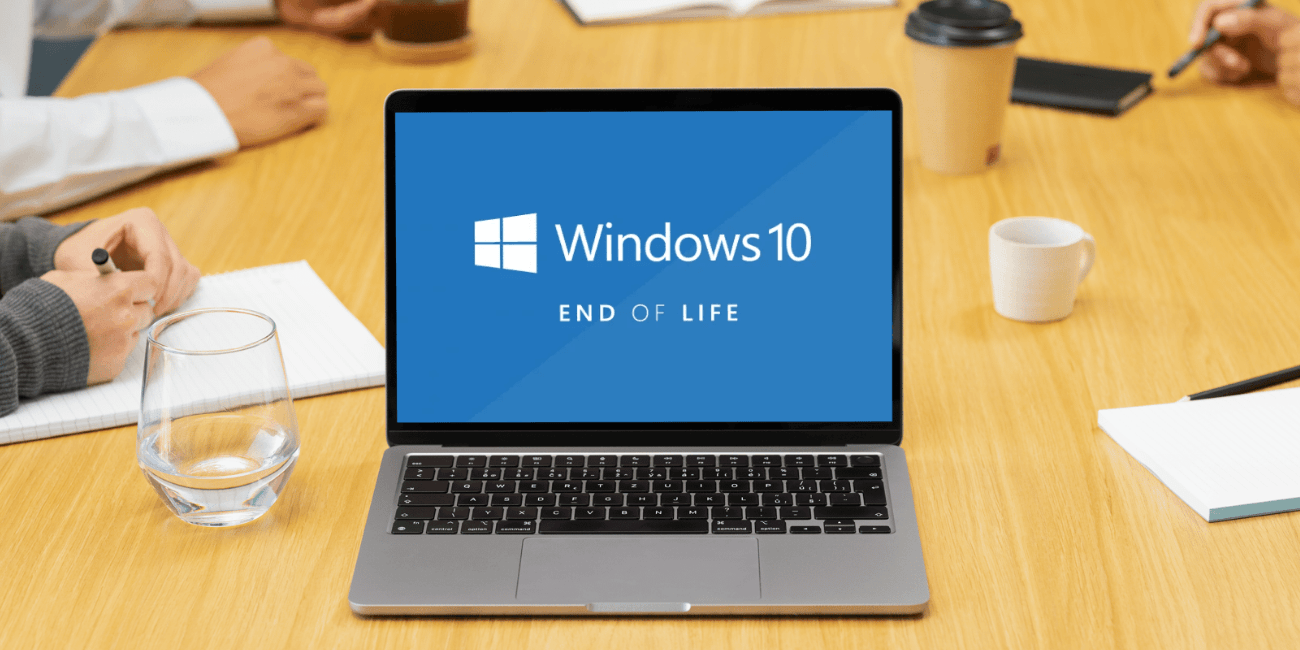
If you’re still running on Windows 10, your business is using unsupported software. Your computers won’t suddenly stop working, but they have stopped receiving the regular security updates and patches that help protect them from new threats. That’s where the risk begins. For many business leaders, this Windows 10 end of life announcement feels frustrating.
If your computers are running fine, why change anything? It’s a fair question.
What Does “End of Life” Mean?
Windows 10 end of life means Microsoft will no longer provide regular security updates, bug fixes, or technical support. Think of it like owning a car that the manufacturer no longer supports. It still drives. It still gets you where you need to go, but if a safety issue is discovered, nobody is developing a fix for it anymore. The same thing happens with software. As new vulnerabilities are discovered, Windows 10 systems won’t receive the updates needed to address them.
My Computer Works Fine. Why Should I Upgrade?
The concern isn’t performance. It’s security. Most businesses don’t replace computers because they’re broken. They replace them because the software running on them becomes increasingly risky over time. We hear this question a lot: “My computers work perfectly. Why are you recommending I replace them?” Honestly, we understand the frustration. Why fix something that isn’t broken?
The issue is that cybercriminals don’t stop just because of Windows 10 end of life. In fact, unsupported systems often become even more attractive because attackers know organizations are still using them. With 40% of devices still running on Windows 10 as of October 2025, that is plenty of potential targets.
Is Running on Windows 10 a Security Risk?
The short answer is yes. Every month that passes after the end of life increases the risk of running Windows 10. In fact, Microsoft says over 90% of ransomware attacks that reach the encryption stage begin with unmanaged devices lacking proper security controls. New vulnerabilities continue to be discovered, but unsupported systems no longer receive the patches designed to fix them. That doesn’t mean every Windows 10 computer will immediately become infected with ransomware, but it does mean the gap between modern threats and your protection continues to grow. Over time, that gap can become significant.
What Are My Options?
Most organizations have two paths forward: upgrade to Windows 11 or purchase Microsoft’s Extended Security Updates (ESU) program. The first option, and the one we recommend whenever possible, is upgrading to Windows 11. Most of the time, existing hardware can support the upgrade, meaning there may be no software licensing cost involved, and everything (like files, apps, and settings) usually remains the same, making the process easier than people expect.
The second option is Microsoft’s Extended Security Updates program. This is where eligible Windows 10 end of life devices continue receiving critical security updates for an extra year. However, eventually, those systems will still need to be upgraded or replaced.
Do I Need to Replace Every Computer Right Away?
Probably not. A refresh strategy works best for most organizations than a complete overhaul. Replacing an entire fleet of computers at once is a massive project with a high one-time cost. That’s why we help many businesses plan a refresh schedule. This is where you plan for a certain number of devices being replaced during a specific time and then continue doing that until all of them are updated. This also has budgeting impacts and spreads the investment over time rather than an all-at-once expense.
Why Do Managed IT Providers Care So Much About Refresh Cycles?
As devices get older, they become harder to support, more expensive to maintain, and more likely to fall behind security standards. A refresh schedule allows businesses to plan proactively rather than reactively. No one wants to discover a critical computer needs replacing the same week a major project launches or a key employee starts a new role. Planning almost always costs less (not to mention causes less stress) than scrambling to respond after something breaks.
Is Upgrading to Windows 11 Difficult?
For most organizations, it’s much easier than it used to be. Modern deployment tools have dramatically simplified the process. Many upgrades can be completed with minimal disruption, and new computer deployments are faster than ever before. The biggest challenge is usually not the technology itself. It’s knowing which devices are eligible, which ones need replacement, and creating a plan that makes sense for the business. That’s where having a trusted IT partner (like our managed IT services team!) can help.
What’s the Best Next Step?
Create an inventory of how many Windows 10 end of life devices you still have and whether you can move them onto Windows 11. Once you understand your current environment, the path forward becomes much clearer. Some organizations will be able to upgrade nearly everything. Others may discover they have a handful of older devices that need to be replaced. Either way, it’s much better to make those decisions now than after support has ended.
Windows 10 end of life isn’t really a story about Windows. It’s a reminder that all technology has a lifecycle. The computers that feel new today won’t stay new forever. The software that feels modern today will eventually be replaced by something better. The businesses that manage those transitions proactively tend to experience fewer disruptions, stronger security, and more predictable costs over time, and that’s ultimately what good IT planning is all about.
If you’re unsure how many Windows 10 end of life devices are still in your environment (or whether they’re ready for Windows 11), our team can help – just reach out to us. We’ll assess your current systems, identify your options, and help you build a practical plan that fits your budget and business goals.

Is Your Business Falling Behind on AI, or Moving Too Fast?
AI in the workplace can sometimes manifest as a solution looking for a problem, which might tempt us to fast-forward through security and safety controls because the results look so promising. Before implementing any AI solution, organizations should establish a few foundational guardrails: clear acceptable use policies, human oversight of important decisions, and confidence that [...]
Read More
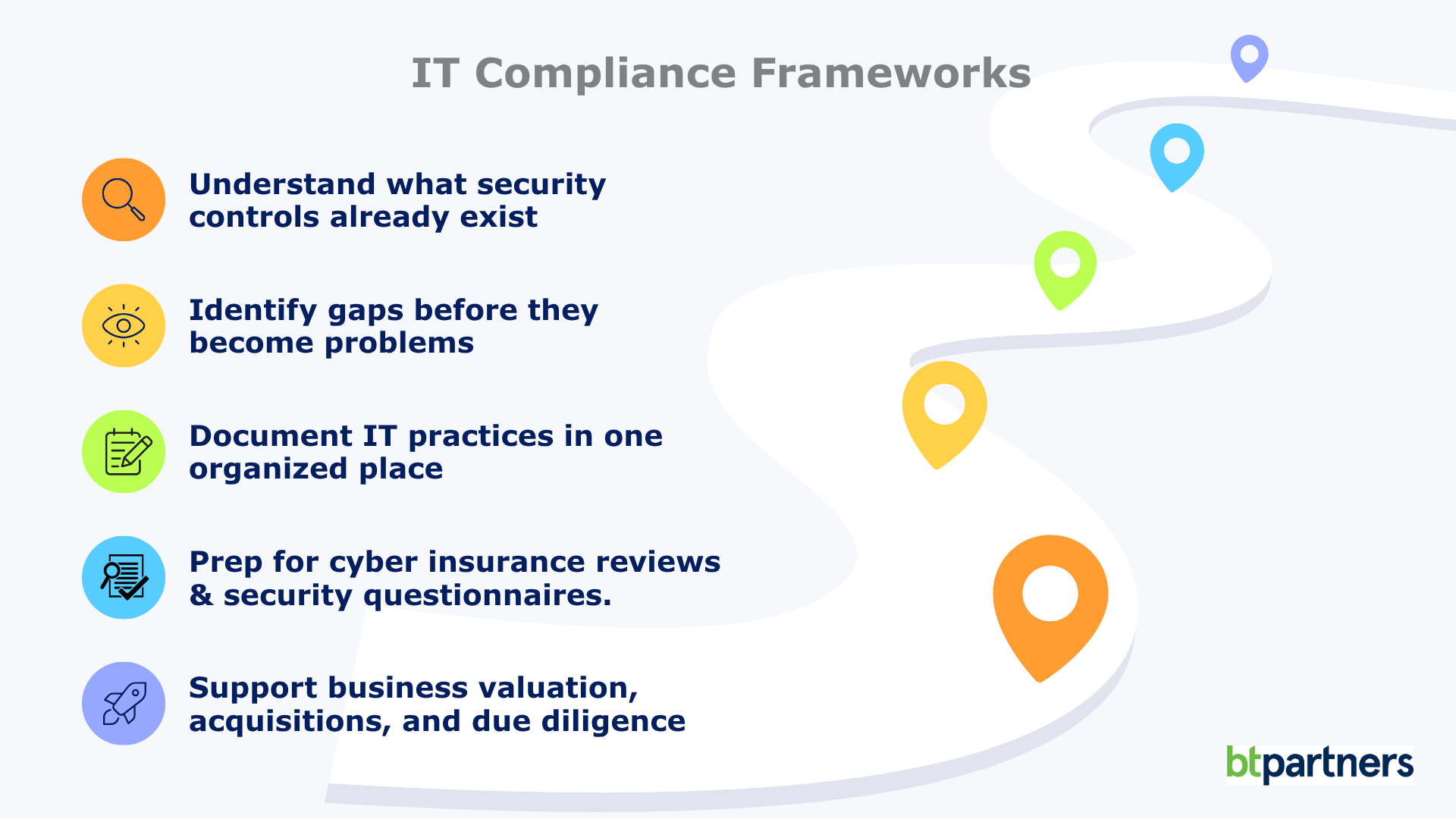
IT Compliance Frameworks Explained: What They Are and Whether Your Business Needs One
Firewalls, multi-factor authentication, passkeys, cyber insurance questionnaires, third-party security assessments. The rules around IT compliance change every year. Unlike plumbing or electrical systems, technology never really stands still. The security best practices that protected businesses a decade ago often aren’t enough today, and that’s exactly why IT doesn’t rely on fixed rulebooks the way many [...]
Read More

Part 2: What Is the Cloud? For Business Leaders Who Don’t Have Time for Tech Jargon
While no technology is completely risk-free, cloud providers invest billions into security, redundancy, and monitoring that most organizations simply couldn’t justify building on their own. For many businesses, the bigger risk isn’t storing data in the cloud. It’s relying on aging servers sitting in a back office. In Part 1, we walked through how the [...]
Read More