
October 7, 2026
Is Your Business Falling Behind on AI, or Moving Too Fast?

AI in the workplace can sometimes manifest as a solution looking for a problem, which might tempt us to fast-forward through security and safety controls because the results look so promising. Before implementing any AI solution, organizations should establish a few foundational guardrails: clear acceptable use policies, human oversight of important decisions, and confidence that company data remains protected. Once those controls are in place, the next step is understanding the different types of AI tools and where they can create meaningful value for your business.
Let’s start with two of the most common categories: Generative AI and Agentic AI.
1. What Is Generative AI, and Why Are Businesses Using It?
At their core, AI tools are applications. You use the application Outlook to interact with emails, and you use the application Excel to work on spreadsheets. Sometimes, applications can work with other applications to accomplish a task: you use your ERP to generate an invoice, and your ERP uses Outlook to send that invoice to your customer.
Generative AI tools are applications that generate things that you instruct them to. When we open Excel, it sits there with a blank spreadsheet waiting for our input and we instruct Excel to generate values by clicking on cells and typing data into them. If we were to explain how to do this, our instructions would include our knowledge of how to use Excel, how to use a keyboard and mouse, and how/where data belongs for Excel to generate the output we expect.
A generative AI tool (in this case, we’ll reference CoPilot, Microsoft’s AI platform) can do the same thing but with one drastic difference: you instruct CoPilot, in plain language, on the result you expect, and CoPilot generates that output using its knowledge of how to use Excel. You do not need to know how to use Excel…or how to do the math, really…you just need to know what results you want, and CoPilot does the rest.
The mechanism CoPilot (and most other AI in the workplace tools) use to do this is the Large Language Model (LLM), a term you’ve no doubt heard a lot of with AI. The LLM is the equivalent of the AI tool’s training: its knowledge. The LLM is what enables CoPilot to understand and interpret a plain-language request and how to generate an output. You can reasonably think of the LLM as the “core” of an AI tool.
How Can Generative AI Help a Business Save Time?
Let’s use a bakery as a functional example: a baker wants to make a spreadsheet of the quantities of ingredients she needs to purchase to fulfill next week’s orders (written hastily in Notepad), which include 30 unique items. She has all her recipes on her computer in Word documents. Instead of opening each recipe file, multiplying each ingredient type by order quantity, and transferring that data into a spreadsheet—one at a time and prone to error—our baker can instruct CoPilot to “create a spreadsheet of ingredients I need to order, based on the Notepad of orders, referencing their recipes.” While she’s at it, our baker wants to be prepared for the weeks ahead, so she refines the instructions to include “…and indicate each ingredient’s shelf life and storage requirements.”
Back to the storefront our baker goes, while CoPilot (the licensed, private version only, of course) works on creating her spreadsheet. What would have taken an hour of dedicated concentration back & forth between files is now a background task. Our baker can focus on the human element of running the storefront while her computer does what it’s best at—computing. In this way, generative-type AI enables us to delegate low-level, error-prone computational tasks to a tool that will react to an input and generate information based on its LLM’s logic. To adhere to our baseline security controls, our baker is the “human in the loop”, creating and refining instructions for the AI tool and reviewing its output, and she’s using a private/paid subscription to CoPilot.
2. What Is Agentic AI, and How Is It Different from Generative AI?
In a sentence: Generative AI creates things. Agentic AI does things. Both generative and agentic AI use an LLM, and both should be subject to the same fundamental controls of policy governance, human in the loop (HITL), and a private/paid subscription basis.
How does agentic AI work? That’s where MCP comes in. MCP stands for Model Control Protocol, and it’s essentially a means for an AI agent to connect to another system and act within it. MCPs are how AI agents do things with other systems. As organizations explore these capabilities, it’s worth noting that 21% of companies still lack the data foundations necessary to securely and reliably scale agentic AI.
What Happens When AI Starts Taking Action?
Consider the bakery example above: our baker used CoPilot’s generative AI feature to create a spreadsheet of ingredients she needs for her upcoming orders. The next operational step for her would be to use that spreadsheet to purchase the ingredients from a variety of suppliers. Each supplier provides different brands, types, and quantities of ingredients and different prices. Some suppliers are in Europe and Asia, and some items are customized for her bakery.
Our baker must also be mindful of her working capital so that, even if there’s a good deal on flour, she doesn’t go out and buy more than she can afford and still cover rent. This is a lot of work and responsibility on top of the actual baking, which is our baker’s passion and expertise. Finally, as if this wasn’t already complicated enough, this is a weekly task.
Our baker creates a CoPilot AI agent to run the spreadsheet creation task weekly that she created in Step 1. She creates another CoPilot agent that uses an MCP to connect to the suppliers’ Shopify sites. This agent reviews the weekly spreadsheet of ingredient requirements and reaches out, automatically, to the bakery’s preferred suppliers and chooses the best supplier based on price, available quantity, shipping cost, and any other relevant metric she chooses. It emails her a “shopping list” of what she needs and where to buy it from.
What once took several days (or evenings) of focused concentration is now an automatic, behind-the-scenes process. Our baker maintains HITL by stopping short of allowing the AI agent to automatically purchase ingredients; she still reviews the recommendations and manually authorizes the purchases herself. Used in this way, agentic AI in the workplace can be a powerful tool. As with the first example, we can delegate repetitive tasks that require precision and scattered attention to AI while we focus on our unique human abilities.
Should Your Business Be Using AI?
Probably, but thoughtfully. AI in the workplace is accelerating, but readiness is lagging. About 18% of U.S. firms had adopted AI by year-end 2025, up 68% over the prior year (before a survey-method change in late 2025). The organizations seeing the most value from AI aren’t necessarily the ones moving the fastest. They’re the ones putting the right controls in place and focusing on practical business outcomes.
As you consider AI in the workplace, you should always begin AND end the process by asking yourself whether the tool operates within the threshold of your existing policies, how a human is placed in the loop of any consequential AI decision-making, and if the AI tool is respecting your organization’s data privacy requirements. When paired with strong governance, human oversight, and proper data controls, AI can be a powerful way to eliminate repetitive work, improve efficiency, and free people up to focus on the things humans do best. In fact, AI users reported saving time equal to 5.4% of their work hours, or about 2.2 hours per week in a 40-hour workweek.
With that said, BT Partners’ role is to provide businesses with practical guidance on how to use AI technology pragmatically and securely. If you want to talk more about AI tools (or anything IT-related), call or email our managed services team anytime.
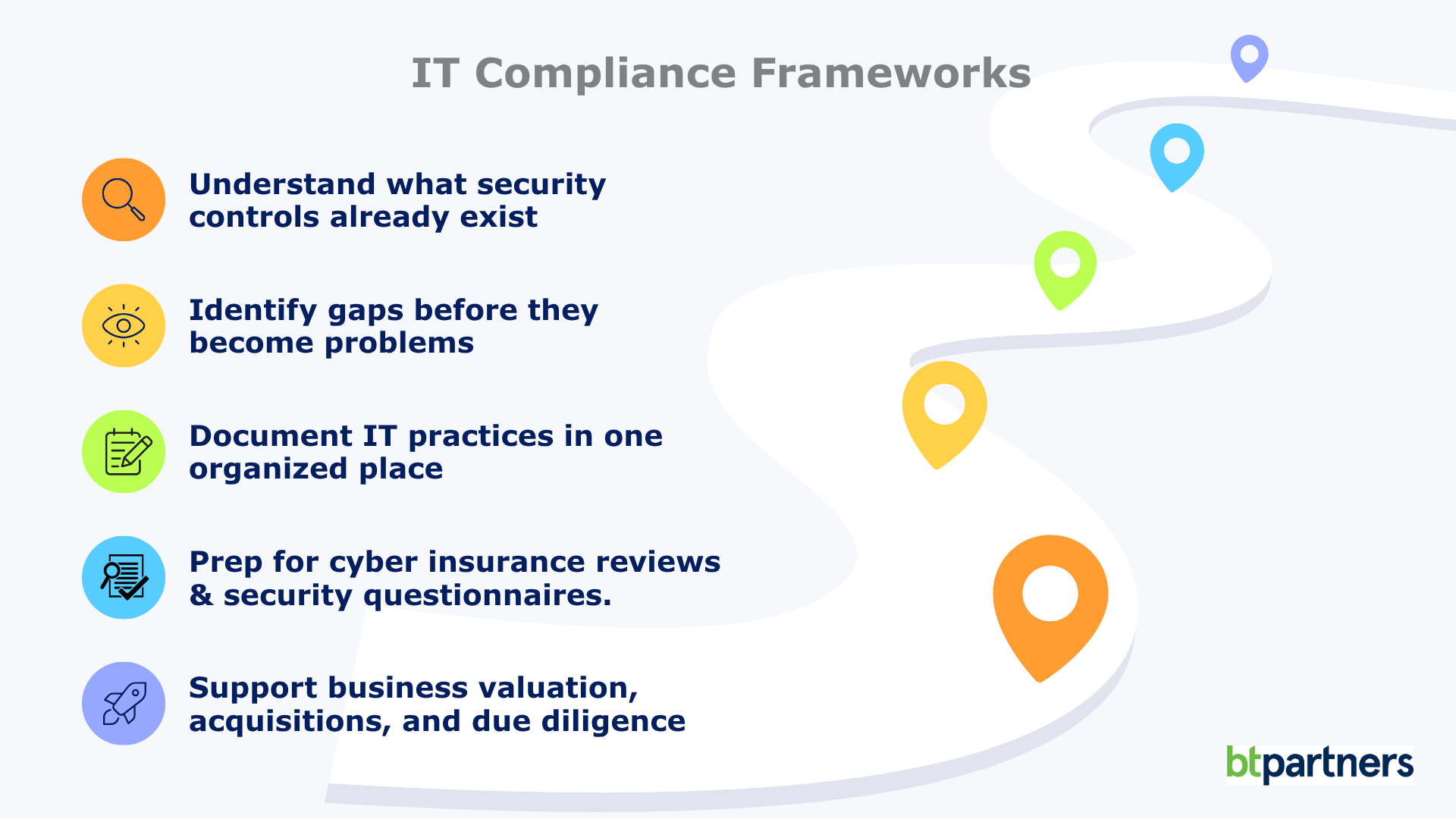
IT Compliance Frameworks Explained: What They Are and Whether Your Business Needs One
Firewalls, multi-factor authentication, passkeys, cyber insurance questionnaires, third-party security assessments. The rules around IT compliance change every year. Unlike plumbing or electrical systems, technology never really stands still. The security best practices that protected businesses a decade ago often aren’t enough today, and that’s exactly why IT doesn’t rely on fixed rulebooks the way many [...]
Read More

Windows 10 End of Life (What That Means for Your Business)
If you’re still running on Windows 10, your business is using unsupported software. Your computers won’t suddenly stop working, but they have stopped receiving the regular security updates and patches that help protect them from new threats. That’s where the risk begins. For many business leaders, this Windows 10 end of life announcement feels frustrating. [...]
Read More

Part 2: What Is the Cloud? For Business Leaders Who Don’t Have Time for Tech Jargon
While no technology is completely risk-free, cloud providers invest billions into security, redundancy, and monitoring that most organizations simply couldn’t justify building on their own. For many businesses, the bigger risk isn’t storing data in the cloud. It’s relying on aging servers sitting in a back office. In Part 1, we walked through how the [...]
Read More