

July 8, 2026
Which Sage Intacct AI Agents Should You Adopt Now?

In the last post, we walked through the different types of AI agents available in Sage Intacct, what each one does, and where it sits in the release cycle. Now the harder question: what do you actually do with them?
The honest answer is that the right move depends more on your business than on Sage’s roadmap. Different types of AI agents solve different business problems, so there’s no one-size-fits-all approach. But a few truths hold across most of the customers we work with, so here’s how we’d approach each one.
Turn on AP Automation
If you haven’t already, this is where to start. It’s the most mature of the five, the most measurable, and the one where the return shows up fastest. If your AP process still depends on people hand-keying billing into the software, the AP Agent will pay for itself faster than anything else on this list. The savings usually come from fewer hours spent entering invoices, fewer duplicate-payment scares, faster matching, and less time chasing routine exceptions.
Worth knowing before you flip the switch: output quality depends on what’s upstream. Vendor data, coding rules, and how clean your PO process is. Garbage in, garbage out applies. If your AP team’s day is mostly chasing missing POs and reconciling weird vendor invoices, fix the upstream noise first. Otherwise, you’ll end up blaming the agent for problems it didn’t create.
Our recommendation: Jump in on this one as it can deliver quick ROI.
Bring on the Time Assistant if time drives revenue
The Sage Time Assistant is either central to your business or close to irrelevant. For services firms, agencies, construction companies, anyone running projects against billable hours — recovered time is real revenue. Time often goes unbilled or underreported for a very boring reason: people are busy doing the work and forget to document it. We’ve seen customers find meaningful additional billable hours after turning it on.
Our recommendation: If you don’t bill by project or by the hour, skip it. No point paying for a feature that isn’t solving a problem you have.
Adopt the Close Workspace, wait on the AI
The Close Workspace itself is a real upgrade for most teams regardless of how interested you are in the AI parts. Structured tasks, owners, handoffs, subledger guidance — even without AI, it’s better than the spreadsheet most teams are running. Adopt the workspace, use it for a couple of close cycles, then bring on the AI components.
The reason for the sequencing is that AI is only as useful as the data it has to work against. A clean, structured close makes the variance analysis and reconciliation assistants worth turning on. A messy one makes them noise.
(Maybe) Wait on the Assurance Agent
We’d make this decision based on your current review process, not the feature demo. If journal entry review is inconsistent, this can add useful coverage. If your journal entry oversight is light — small team, no real reviewer, history of errors — the Assurance Agent is a useful additional check. If your controls are already mature, the better question is whether the agent reduces risk enough to justify more alerts.
Our recommendation: Revisit in 12 months. The features are evolving, and the question is worth asking again then.
Prepare for the Finance Intelligence Agent
The Finance Intelligence Agent is still in phased release, so “turning it on” isn’t really the question yet. The question is whether you’ll be ready when it lands fully. Being ready means cleaner data than most teams currently have. Dimensions used consistently, coding rules that everyone actually follows, master records that aren’t full of duplicates. AI agents are only as smart as the data they’re querying, and the Finance Intelligence Agent is no exception.
The companies that get the most from this agent will probably not be the ones with the biggest finance teams. They’ll be the ones with the cleanest dimensions, clearest policies, and least chaotic master data.
Our recommendation: Keep following this one, and …..
A few things to push back on
You don’t have to adopt all types of AI agents as a bundle. They have different use cases, release paths, and potentially different pricing considerations, so it makes sense to evaluate them accordingly. If someone’s selling you “the AI stack” as a package, that’s for their convenience, not yours.
Pay attention to pricing structure. What’s per-user, what’s metered, what’s included, and what’s an upcharge. Pricing and packaging are still evolving in parts of the AI roadmap, so make sure you understand what is included, what is metered, and what may become an upcharge later.
Keep in mind that an announcement isn’t the same as a production-ready feature. Knowing where each agent actually sits in its release cycle matters more than knowing what’s been launched.
One last thing
If you’ve made it through three blog posts about Sage Intacct AI agents, you’re either a Sage customer trying to figure out what to do next, or you read a lot of niche finance content. Either way, we’re here to help. We can help you sort out which types of AI agents fit your workflows, which ones are worth waiting on, and what needs cleaning up before AI gets anywhere near your close, AP, or reporting process.

Is Your Business Falling Behind on AI, or Moving Too Fast?
AI in the workplace can sometimes manifest as a solution looking for a problem, which might tempt us to fast-forward through security and safety controls because the results look so promising. Before implementing any AI solution, organizations should establish a few foundational guardrails: clear acceptable use policies, human oversight of important decisions, and confidence that [...]
Read More
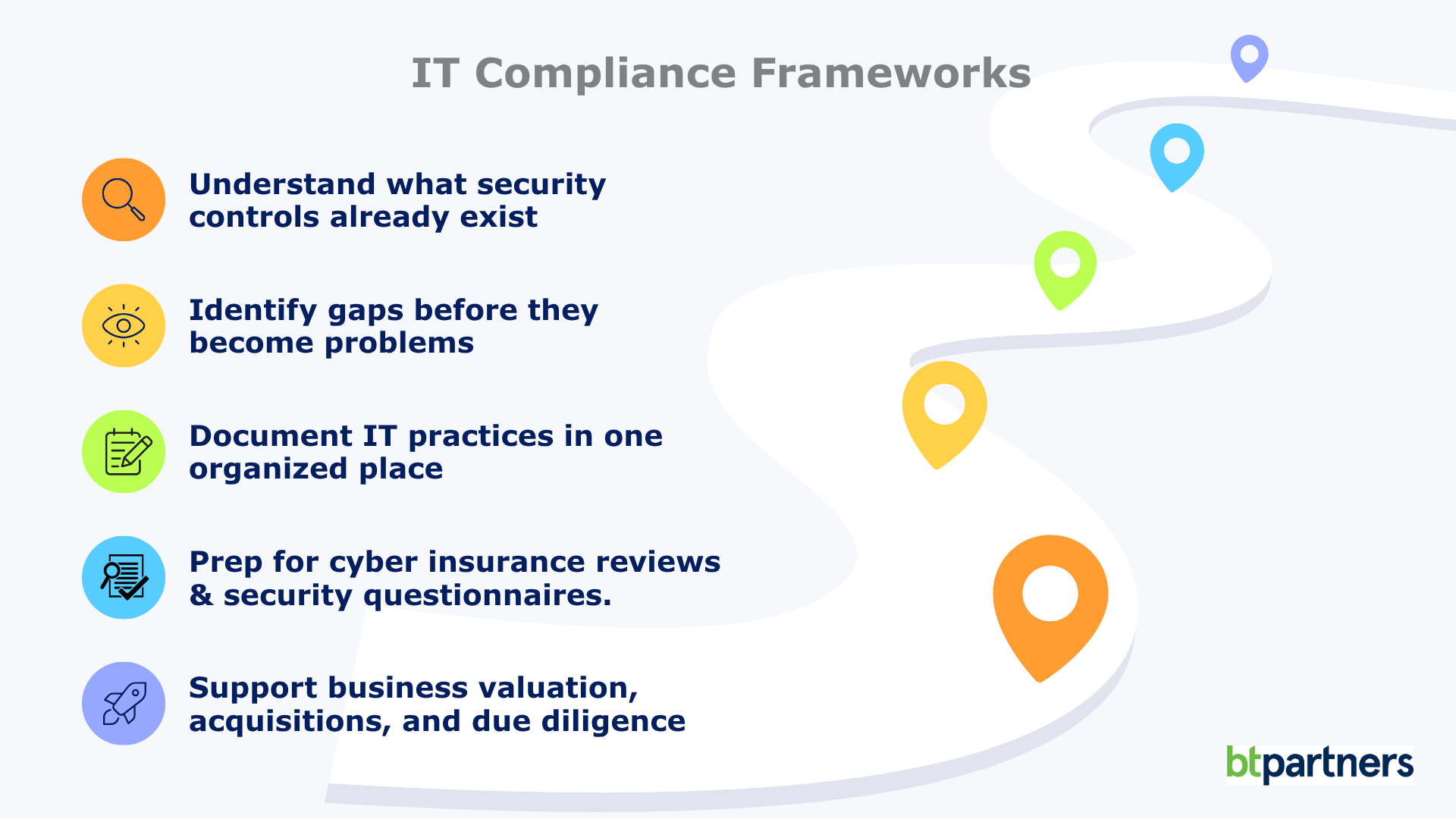
IT Compliance Frameworks Explained: What They Are and Whether Your Business Needs One
Firewalls, multi-factor authentication, passkeys, cyber insurance questionnaires, third-party security assessments. The rules around IT compliance change every year. Unlike plumbing or electrical systems, technology never really stands still. The security best practices that protected businesses a decade ago often aren’t enough today, and that’s exactly why IT doesn’t rely on fixed rulebooks the way many [...]
Read More

Windows 10 End of Life (What That Means for Your Business)
If you’re still running on Windows 10, your business is using unsupported software. Your computers won’t suddenly stop working, but they have stopped receiving the regular security updates and patches that help protect them from new threats. That’s where the risk begins. For many business leaders, this Windows 10 end of life announcement feels frustrating. [...]
Read More