

March 20, 2025
SYSPRO Shortcut: How to Restore Your Listview Column Headers

You’re working, minding your business, copying data from SYSPRO’s listview into Excel, and suddenly, your column headers vanish. No warning, no obvious fix, just a blank row where the headers used to be. Before you start blaming system gremlins, take a breath. This common mishap is likely caused by an accidental SYSPRO shortcut on your keyboard, and the fix is easier than you think.

Let’s learn why this happens and, more importantly, how to restore your column headers quickly so you can get back to work.
What’s Happening to My Column Headers?
The culprit behind disappearing column headers is often the SYSPRO shortcut combination Ctrl+Shift+V, which toggles the column headers on and off. It’s actually pretty easy to hit these keys by mistake when you’re using Ctrl+V to paste data into Excel. The good news? It’s also easy to fix and doesn’t involve IT support or a lengthy troubleshooting process – it’s just a matter of knowing the right moves.
Restoring Your Column Headers
- Locate the Problem: Click anywhere inside the listview where the column headers have disappeared.
- Press the Combo: Hit Ctrl+F1 on your keyboard. This opens the Customize menu.

- Select “Customize”: From the menu, click the option “Column Headers” to restore your headers.

- Ta-da! Your headers should reappear.

Pro Tips for Avoiding Header Headaches
● Learn the Toggle Shortcut: Remember that Ctrl+Shift+V can turn headers on and off. If you suspect this shortcut caused the issue, try pressing it again to see if it restores the headers.

● Save Your Changes: After restoring the headers, log out of SYSPRO properly and log back in to make sure your changes stick.
Keep Your Workflow on Track
Losing your column headers might seem like a minor inconvenience, but it can quickly derail or interrupt your workflow, which is most annoying when managing important business data on a deadline. Considering that efficient use of keyboard shortcuts can save up to eight workdays per year (3.3% of total productivity), mastering tips like this one isn’t just a fix; it’s a smart way to stay ahead.
So next time your headers go AWOL, you’ll know exactly how to bring them back, keeping your data-driven tasks on track. If you’re interested in more SYSPRO shortcut tricks, contact our SYSPRO team – they’re more than happy to help

Is Your Business Falling Behind on AI, or Moving Too Fast?
AI in the workplace can sometimes manifest as a solution looking for a problem, which might tempt us to fast-forward through security and safety controls because the results look so promising. Before implementing any AI solution, organizations should establish a few foundational guardrails: clear acceptable use policies, human oversight of important decisions, and confidence that [...]
Read More
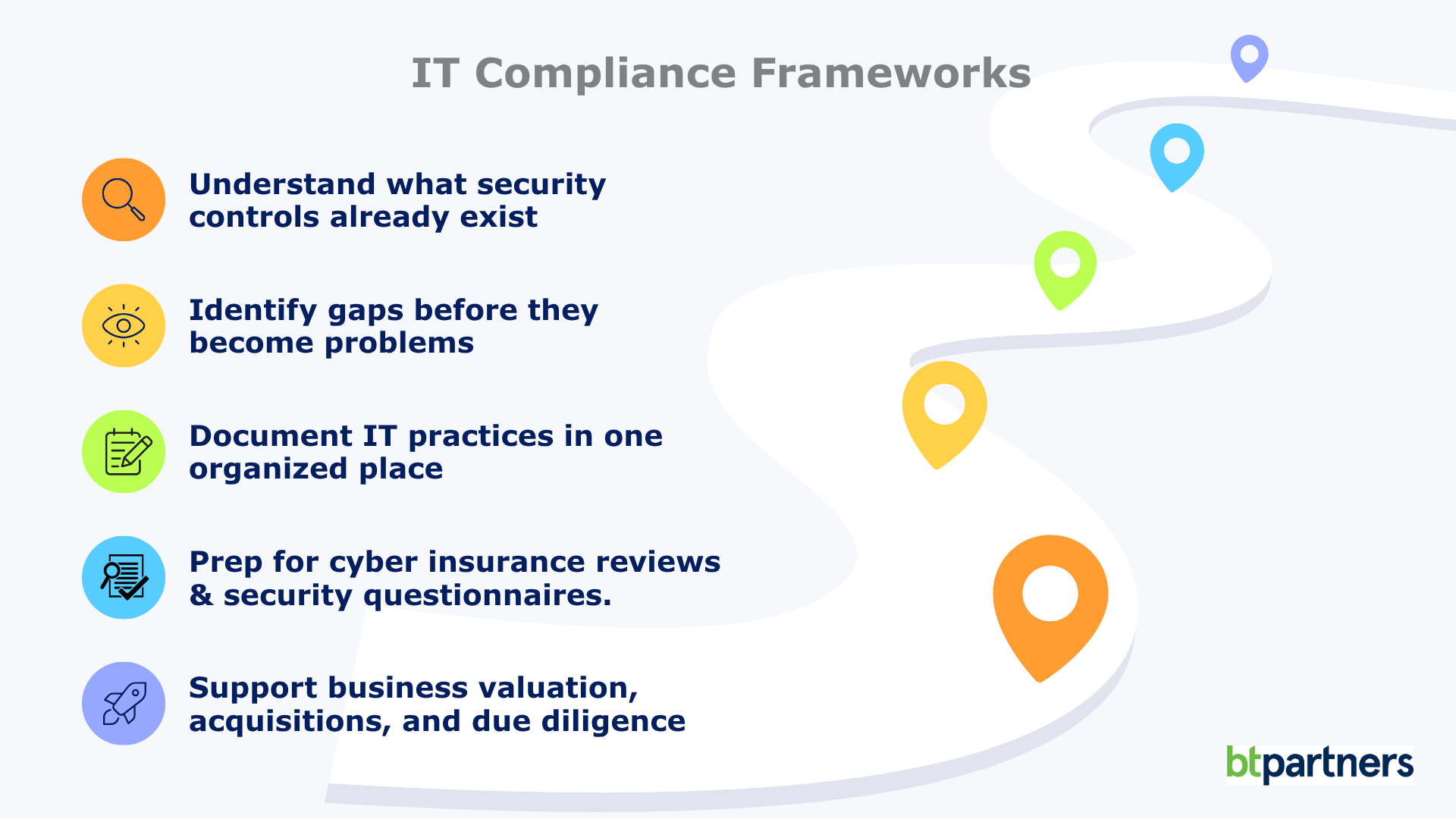
IT Compliance Frameworks Explained: What They Are and Whether Your Business Needs One
Firewalls, multi-factor authentication, passkeys, cyber insurance questionnaires, third-party security assessments. The rules around IT compliance change every year. Unlike plumbing or electrical systems, technology never really stands still. The security best practices that protected businesses a decade ago often aren’t enough today, and that’s exactly why IT doesn’t rely on fixed rulebooks the way many [...]
Read More

Windows 10 End of Life (What That Means for Your Business)
If you’re still running on Windows 10, your business is using unsupported software. Your computers won’t suddenly stop working, but they have stopped receiving the regular security updates and patches that help protect them from new threats. That’s where the risk begins. For many business leaders, this Windows 10 end of life announcement feels frustrating. [...]
Read More